
Notes
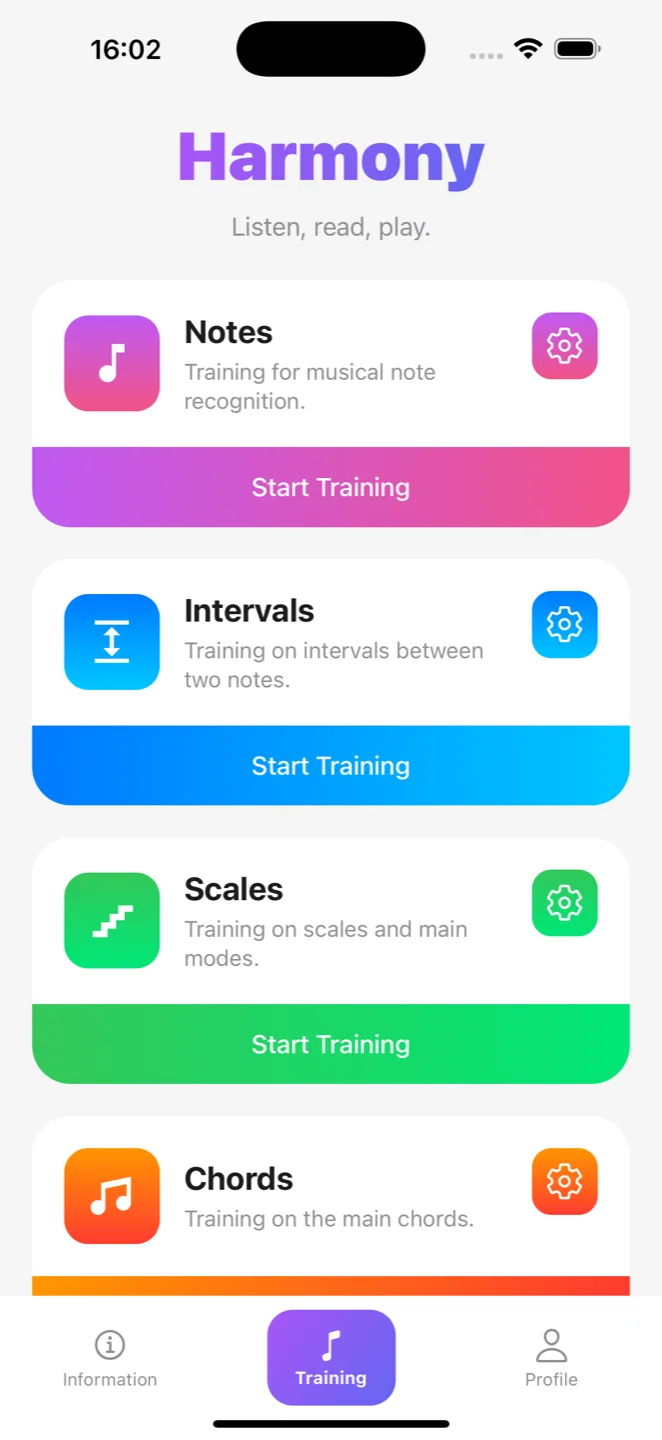
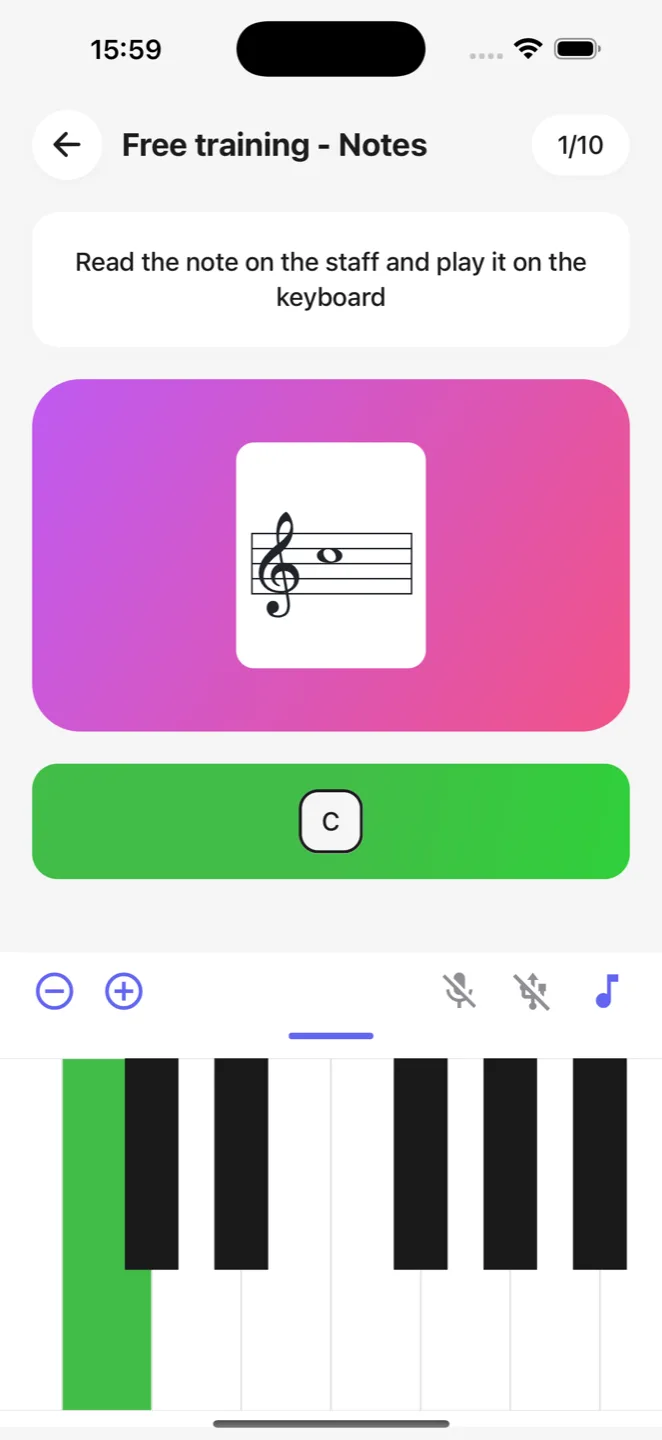
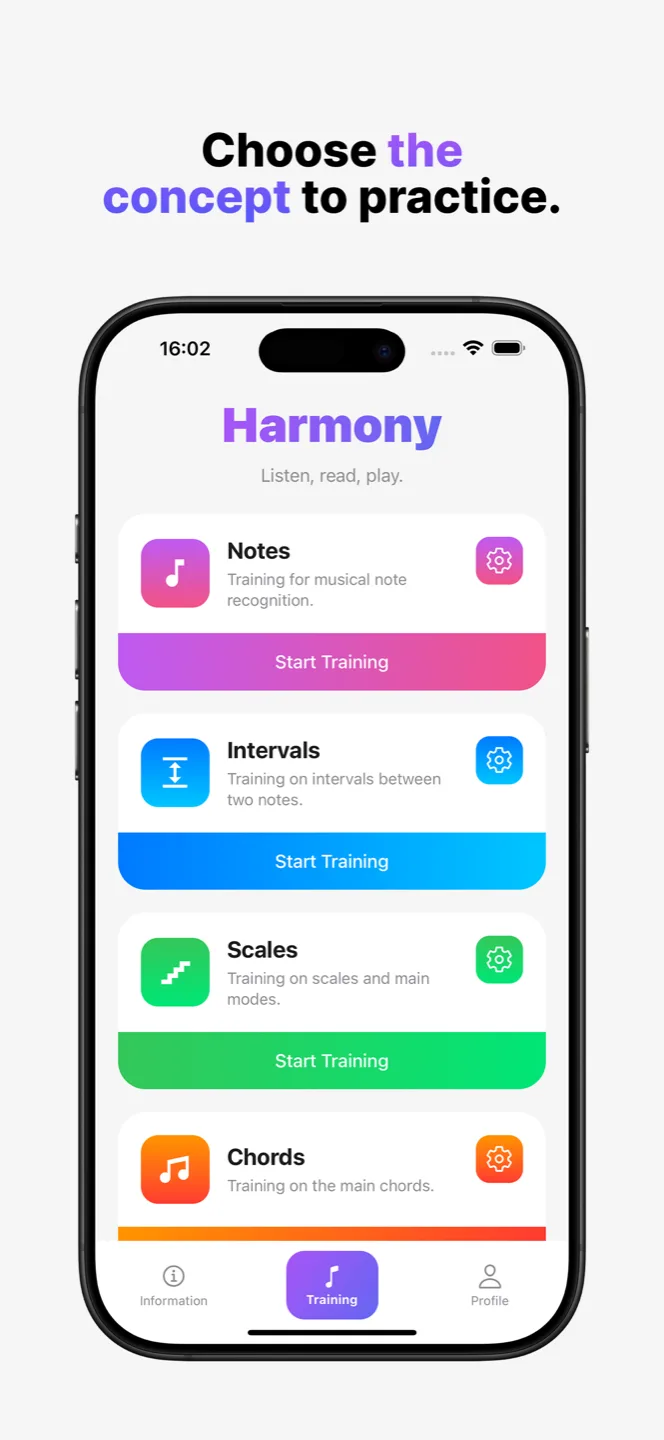
The building block. Find a note on the keyboard, from its name or from its position on the staff.
Harmony is an ear and music theory trainer. It gives you something to hear, to read on a staff or to read as plain words, and you answer on the touch keyboard, through your microphone or on a MIDI keyboard.
Free, no account required, on iPhone and Android.
Hearing a fifth, reading a note on a staff, finding a chord under your fingers: these are reflexes. A reflex is not memorised, it is built, through short and frequent repetitions.
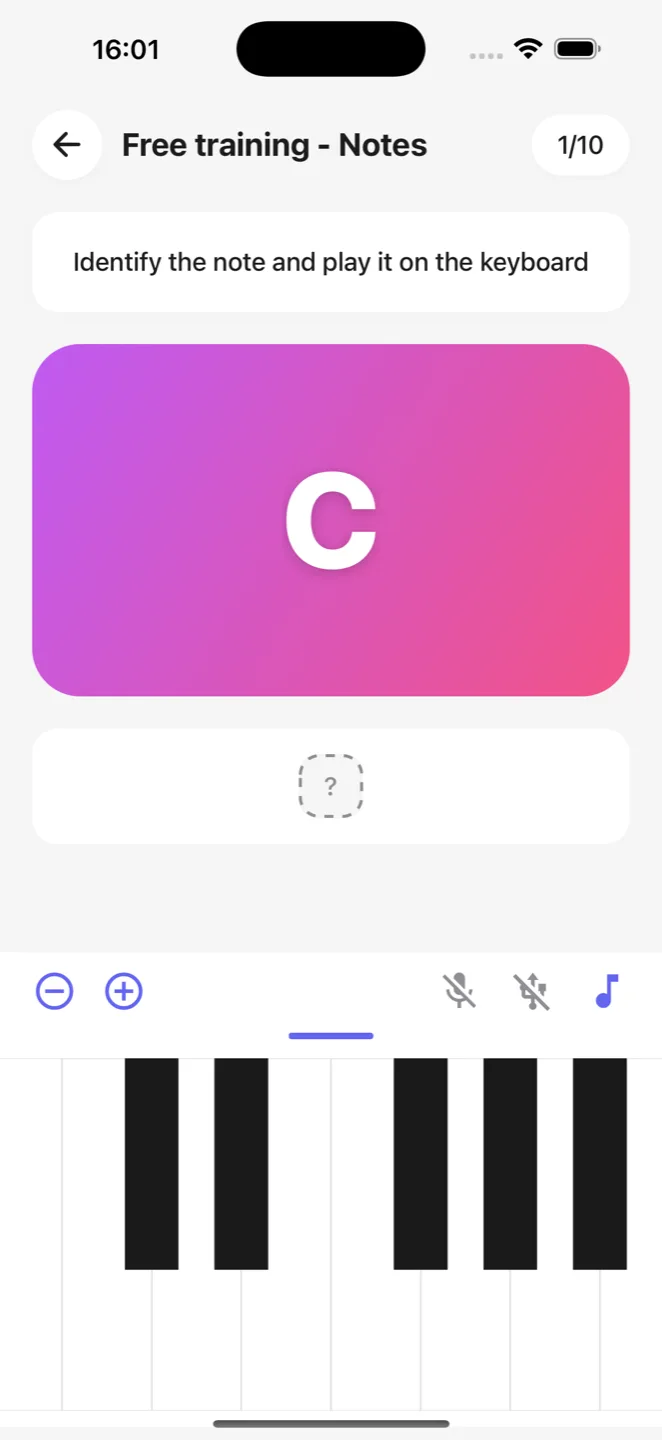
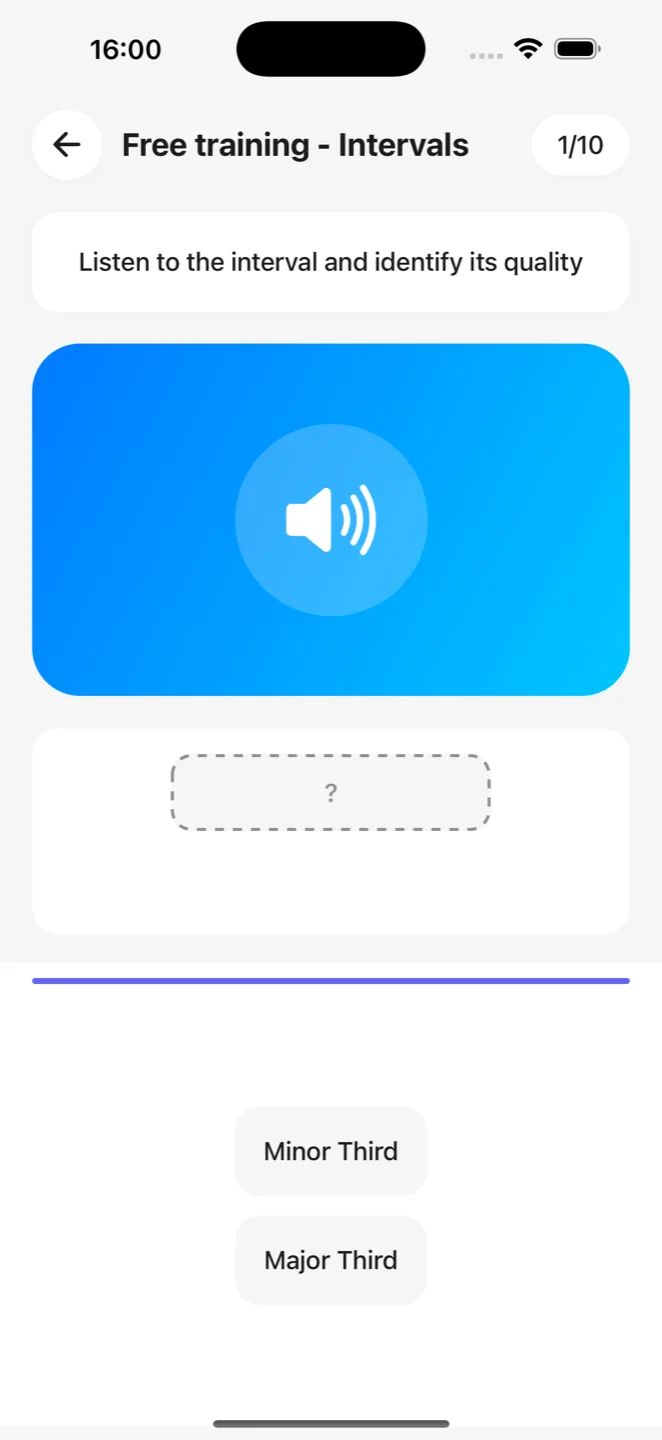
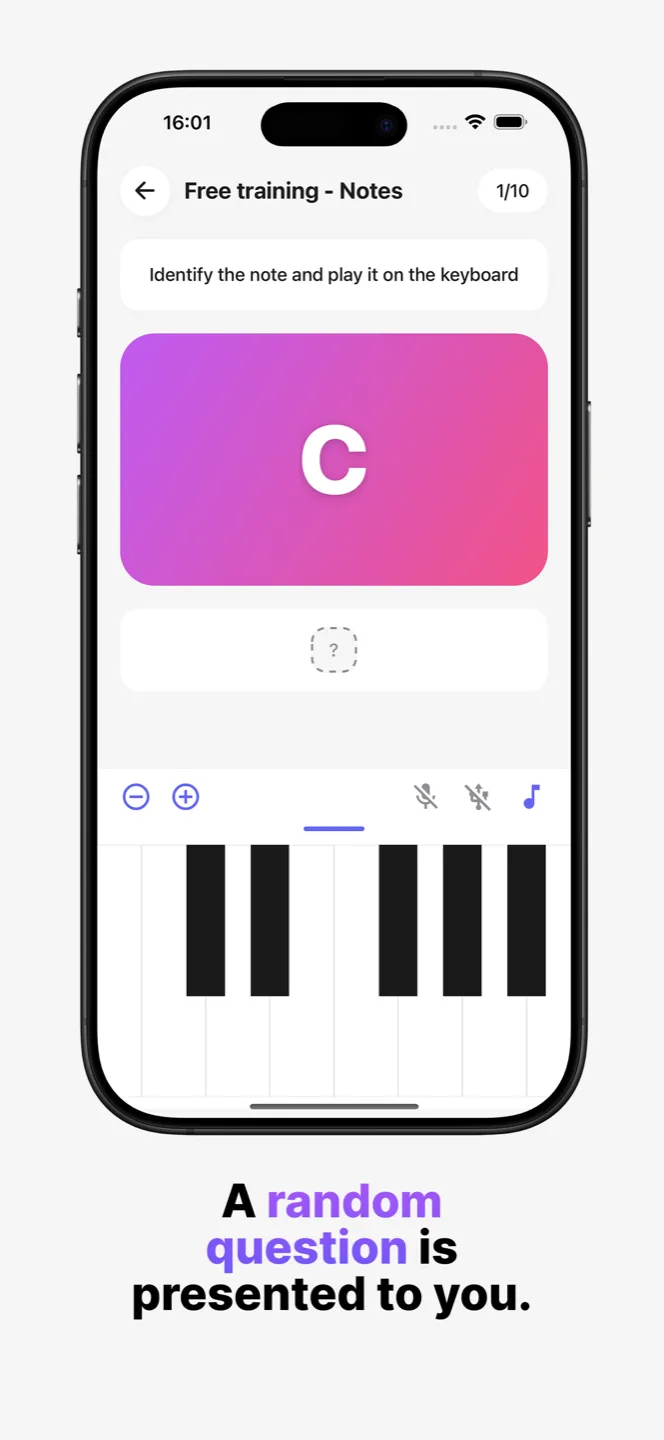
Harmony draws a random target, presents it to you, waits for your answer and corrects you straight away. Nothing else. Five questions while waiting for the bus, or thirty in a row sitting at your piano.
Every training session has an end, and it closes on your precision. No endless session, no high score to beat: progress you can actually measure.
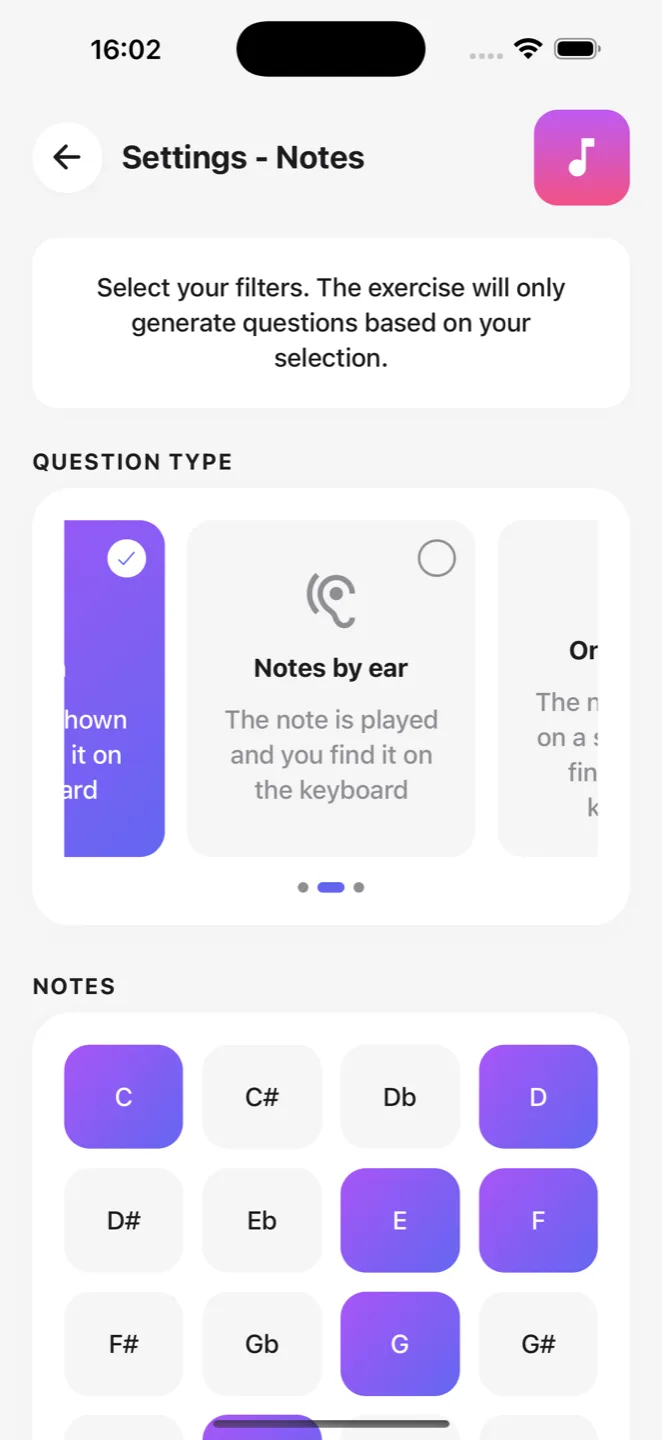
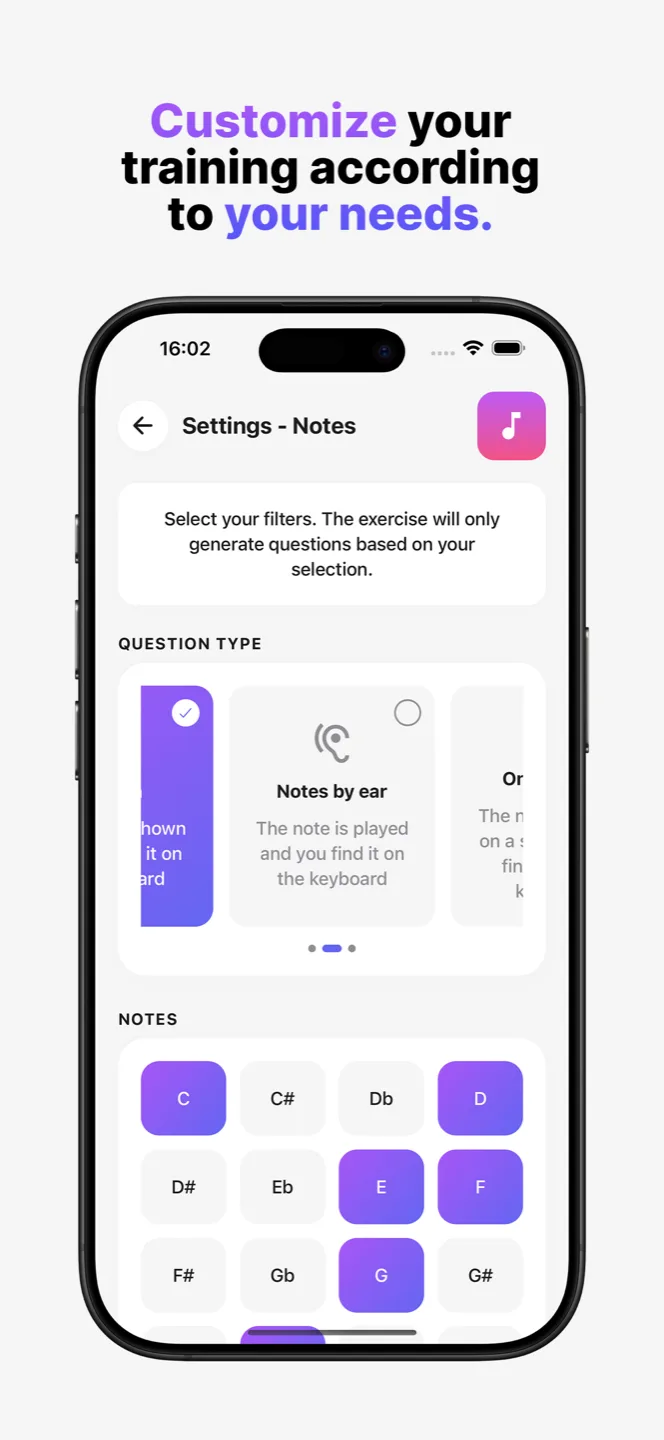
Each domain has its own settings: what you want to work on, over which range, at which level of difficulty. You tick the boxes, the app draws from them.
The building block. Find a note on the keyboard, from its name or from its position on the staff.
Major second, perfect fifth, diminished seventh. Identify the distance between two notes, or play it back.
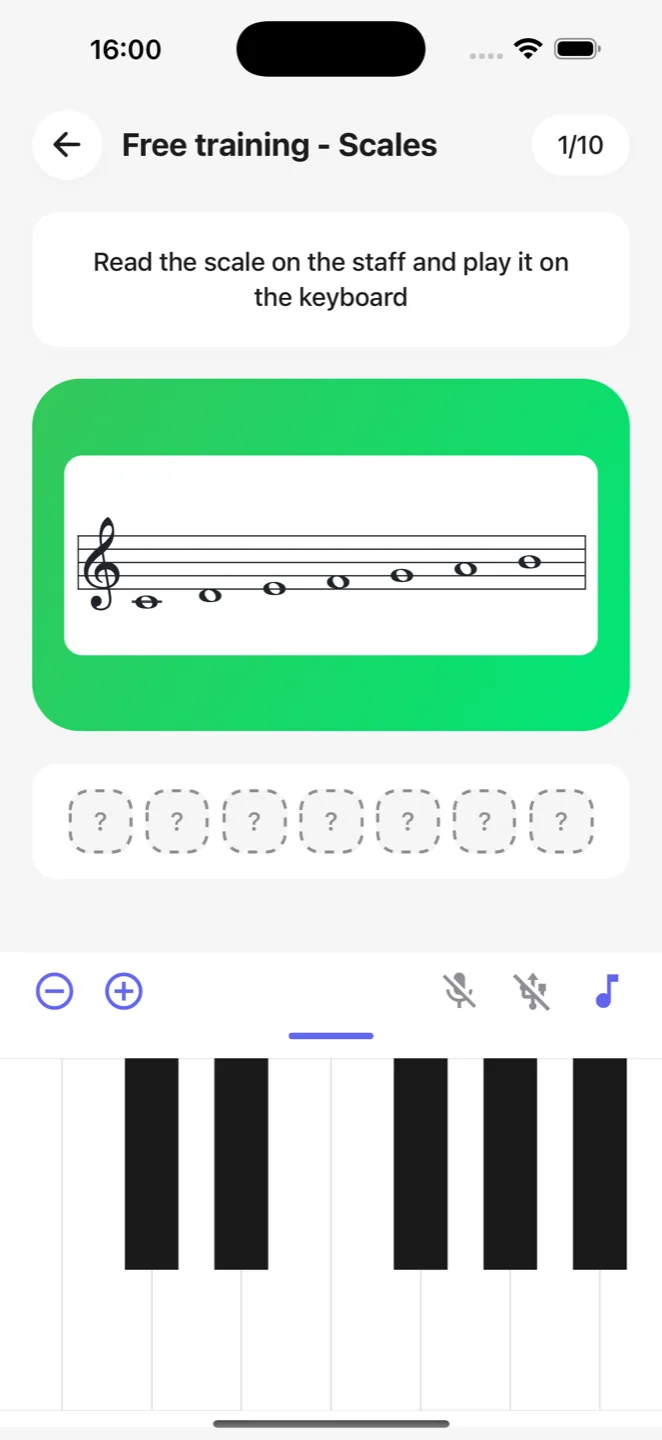
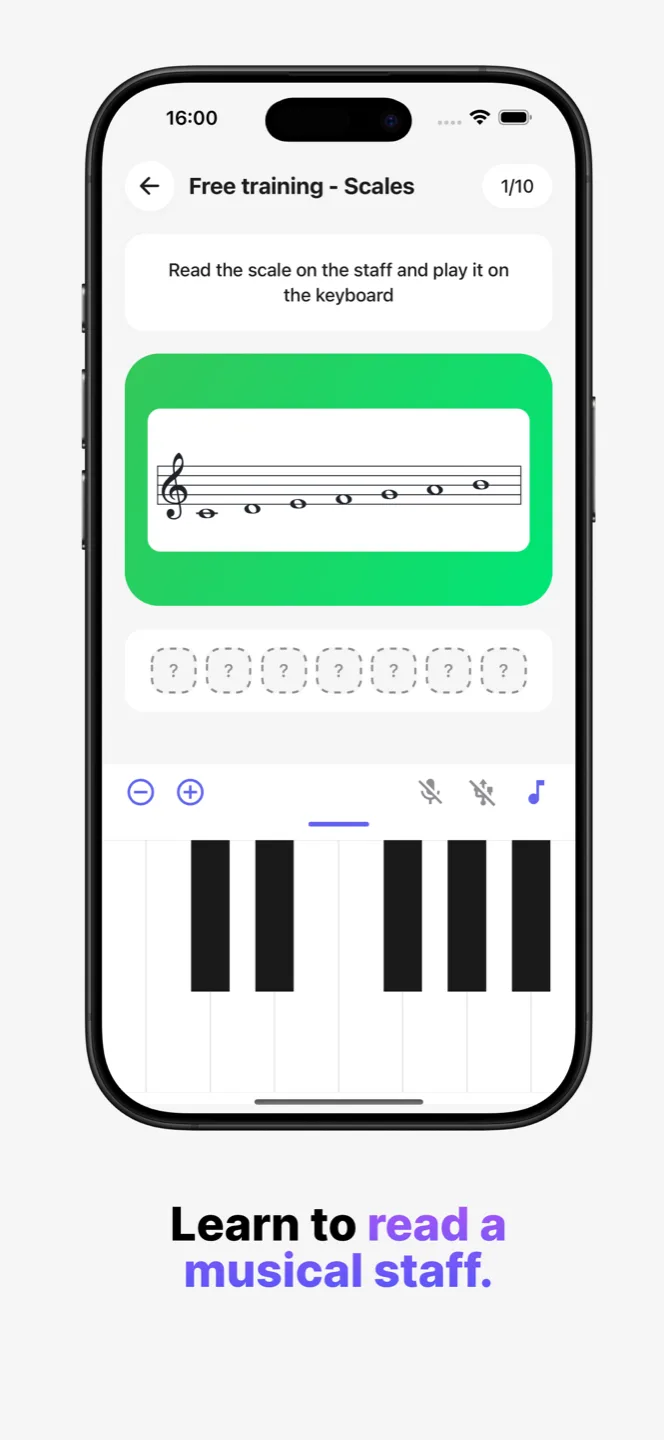
Major, minor, modes, blues, pentatonic. Play the whole scale, or recognise it by ear.
From triads to seventh chords, in root position or inverted.
The same chord can be written out, played to you or drawn on a staff. These are three different skills, and you choose which ones you train.
The target is written out: "C minor chord". You play it. The most direct format, and the one to start with.
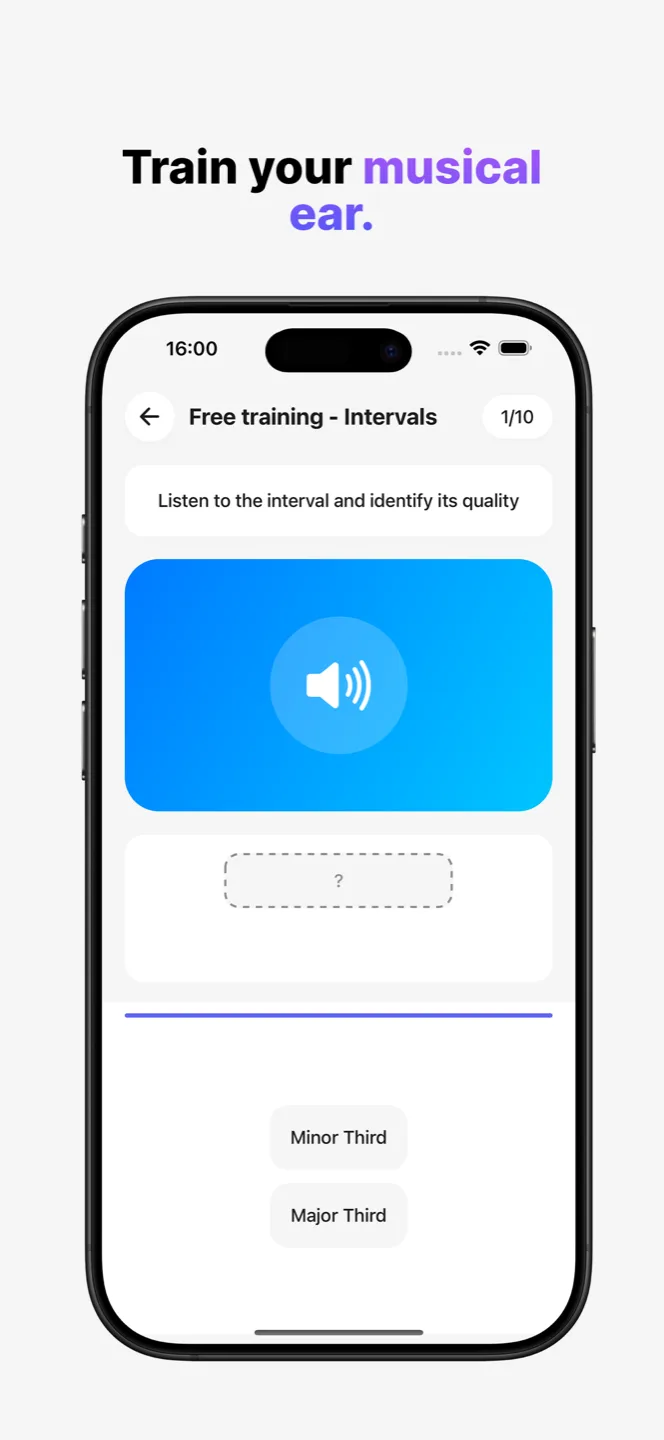
The target is played, never written. You play it back from memory, or name its quality from a list. Blocked or arpeggiated, ascending or descending.
The target is drawn in musical notation, in treble or bass clef, with or without a key signature, up to three ledger lines. Pure sight reading.
You play the target back, note by note. The most demanding answer: you have to know it and to place it.
You pick its quality, its inversion or its direction from a list. Ideal for ear training, when the keyboard is not the point.
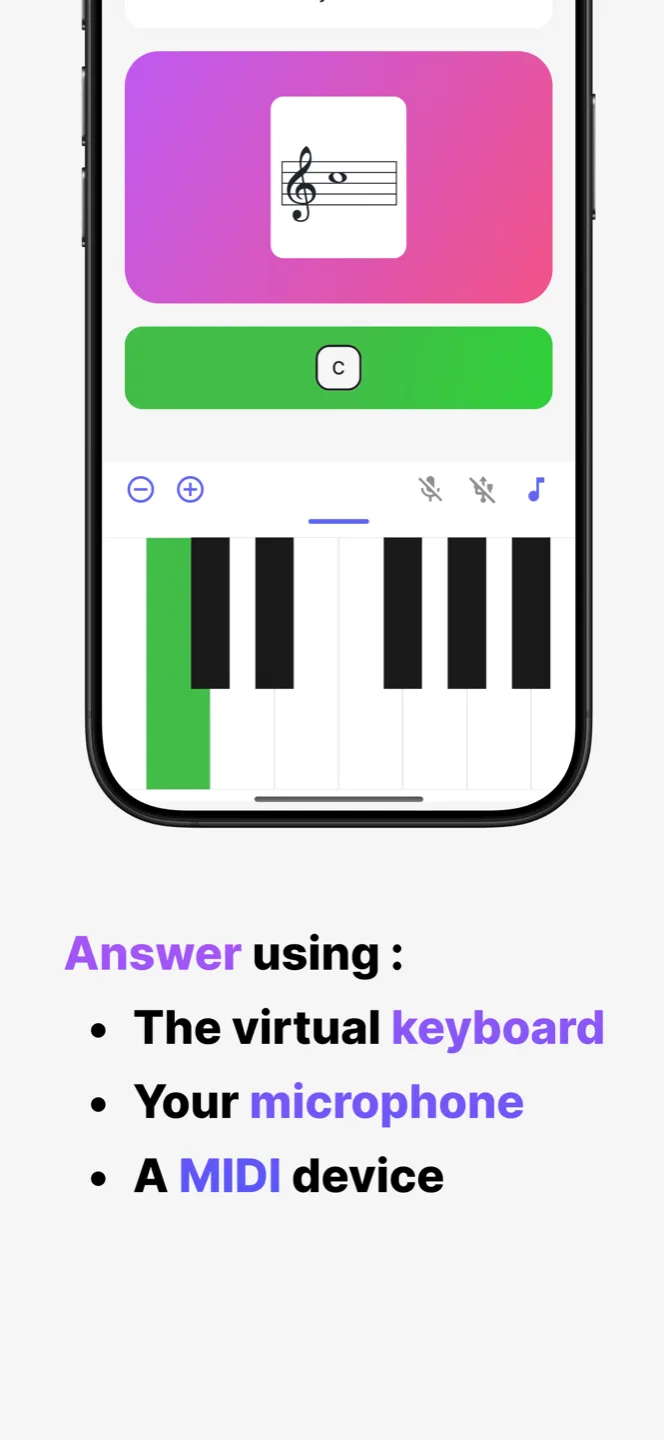
The three inputs are interchangeable and switch on with a single tap. The exercise itself never changes.
The virtual piano is always there, zoomable and draggable with one finger. No hardware needed.
Play on your real instrument: Harmony listens and recognises the note. One note at a time, after a quick background noise calibration.
Plug a keyboard in over USB or pair it over Bluetooth. Every key you press becomes an answer, with no latency and no detection error.
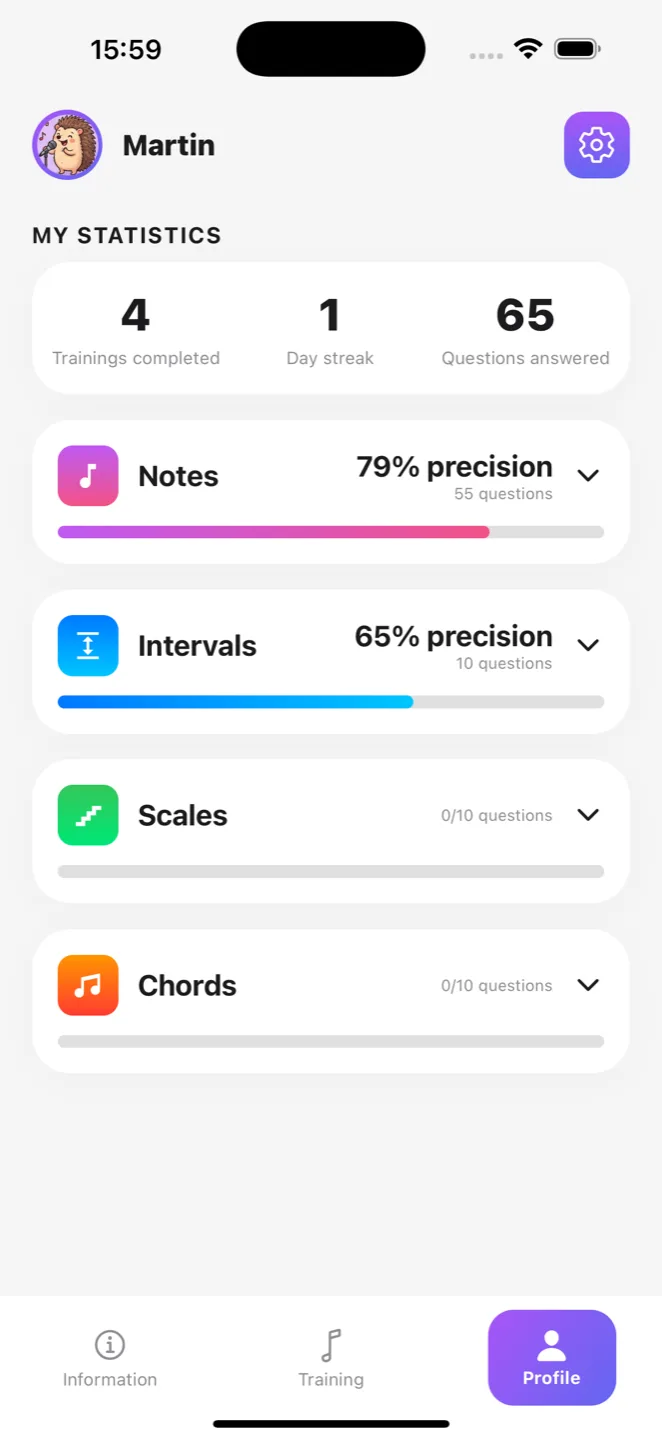
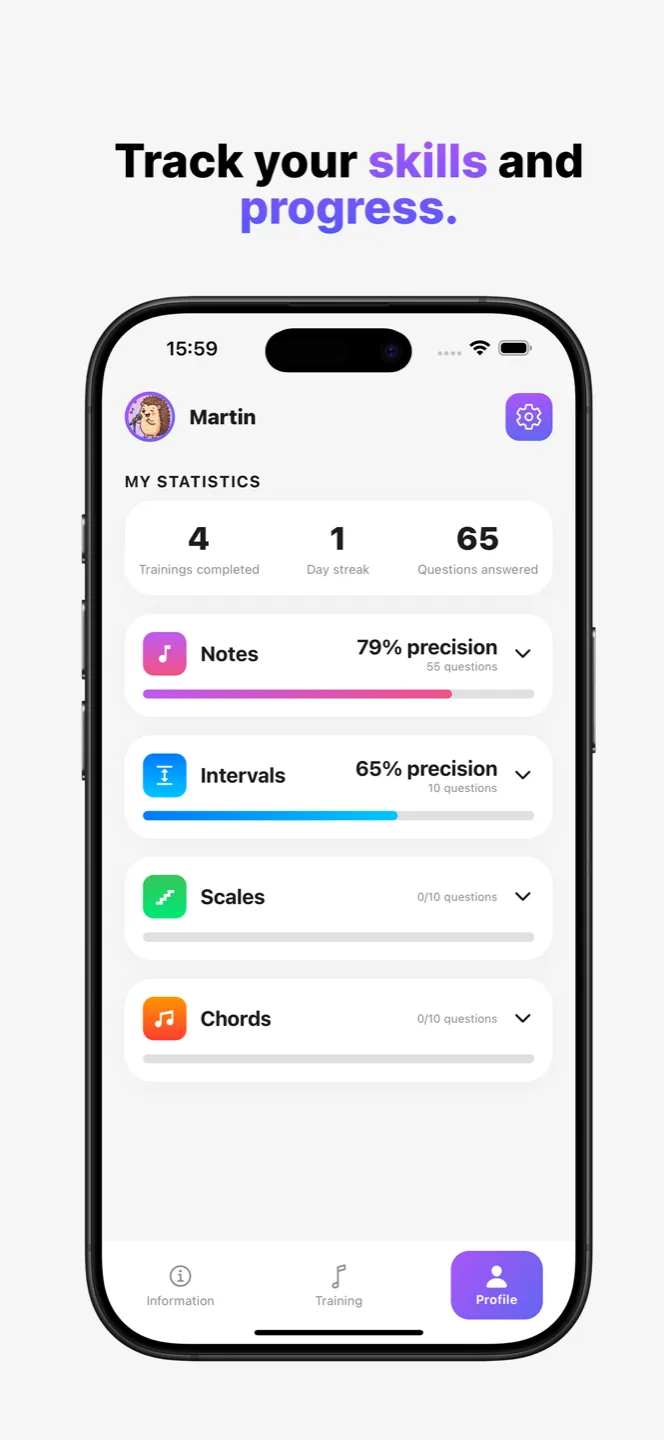
The Profile tab gathers everything your training sessions have learned about you. Nothing is sent anywhere: your statistics stay on your phone.
Your precision, weighted question by question. An eight note scale missed once does not count like a single note missed once.
By domain, then by question format, then by quality. Your fifths are fine, but your diminished sevenths by ear still need work.
Only your answers from the last three months count. Your shaky beginnings fade away on their own, and a break is not held against you forever.
One training session finished during the day keeps the streak alive. Regularity is what makes you progress, not the length of a session.
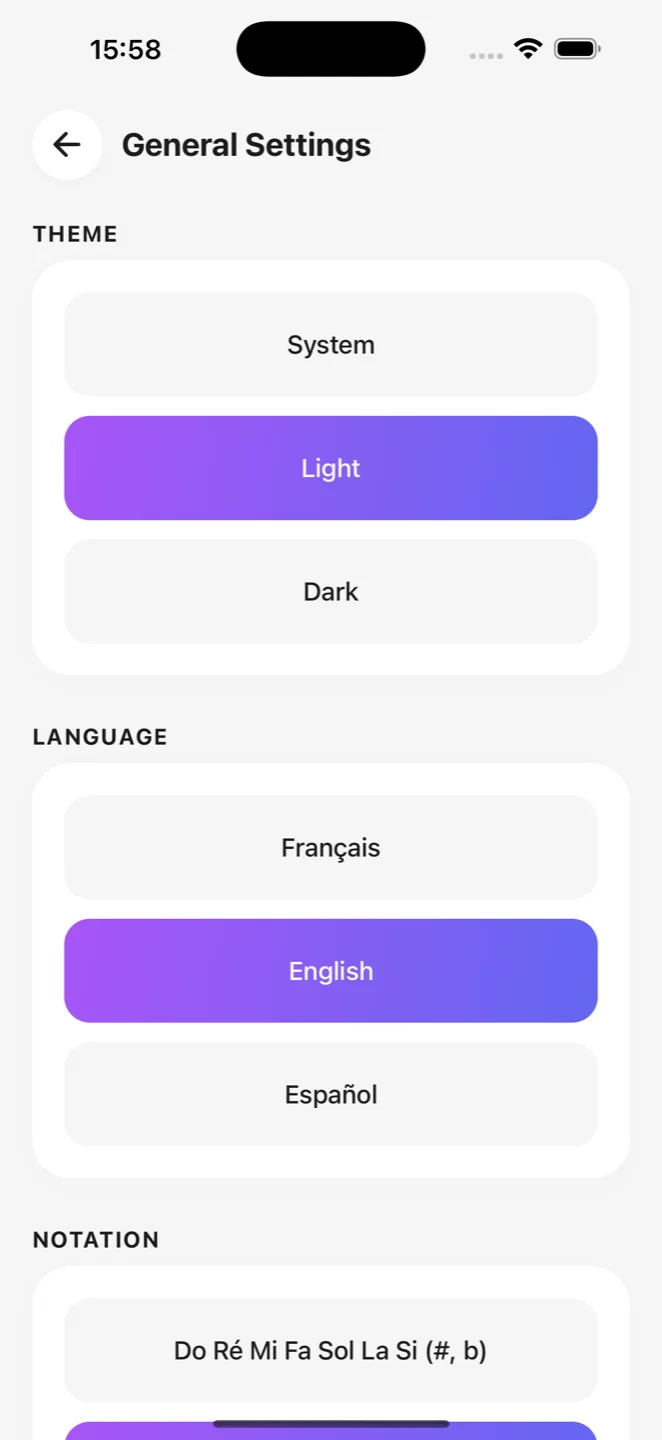
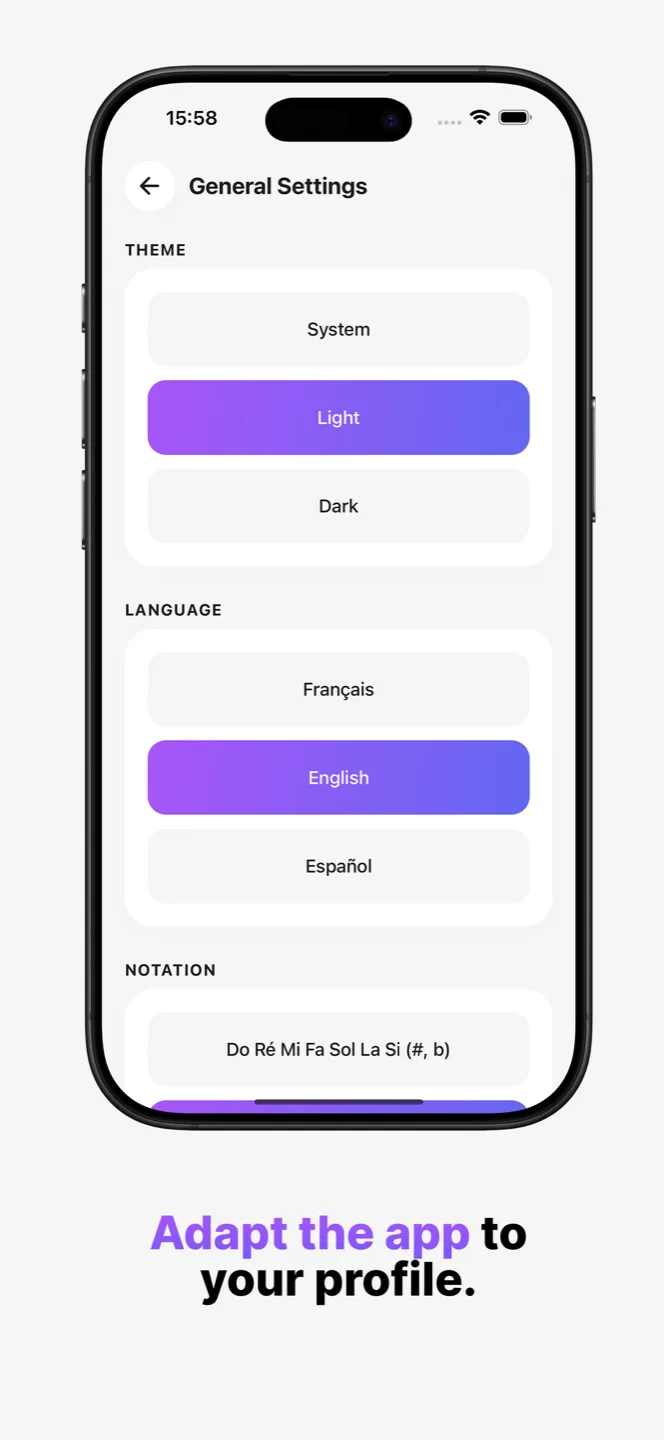
Almost everything is adjustable, and nothing is forced on you. The defaults are a beginner's: complexity is added when you ask for it.
Scroll through the exercises, the settings and both themes.
We read every message, and it genuinely changes what gets built next.
Ten minutes to tell us who you are, how you learn music and what you are missing. It is the most useful feedback you can give us.
Open the surveyA bug, an idea, a remark about an exercise? Write to us directly, we read everything.
Get new versions before they are released publicly, and give your opinion while the feature can still be changed.
If Harmony is useful to you, a rating on the store is what helps hesitating people the most. It takes a minute, and we read reviews like everything else.
Harmony is available on iPhone and on Android.